The "Wall" Effect
Most WISPs hit a wall at 3,000 users. Your CCR2004 CPU is at 20%, but users are complaining of slow loading and random disconnects. The culprit? Connection Tracking. The Linux kernel (and RouterOS) has a default table limit. When it fills up, new packets are dropped.
Scaling a MikroTik hotspot from 500 to 10,000 active concurrent users isn't just about buying a bigger router. It's about understanding how Linux processes network packets.
Architecture 101: The Single Router Fallacy
The biggest mistake is trying to do everything on one box. If your Core Router is doing:
- PPPoE Server
- Hotspot Gateway
- NAT (Masquerade)
- Queues (Simple/Tree)
- Firewall Filtering
...you will fail. NAT and Queues are CPU killers.

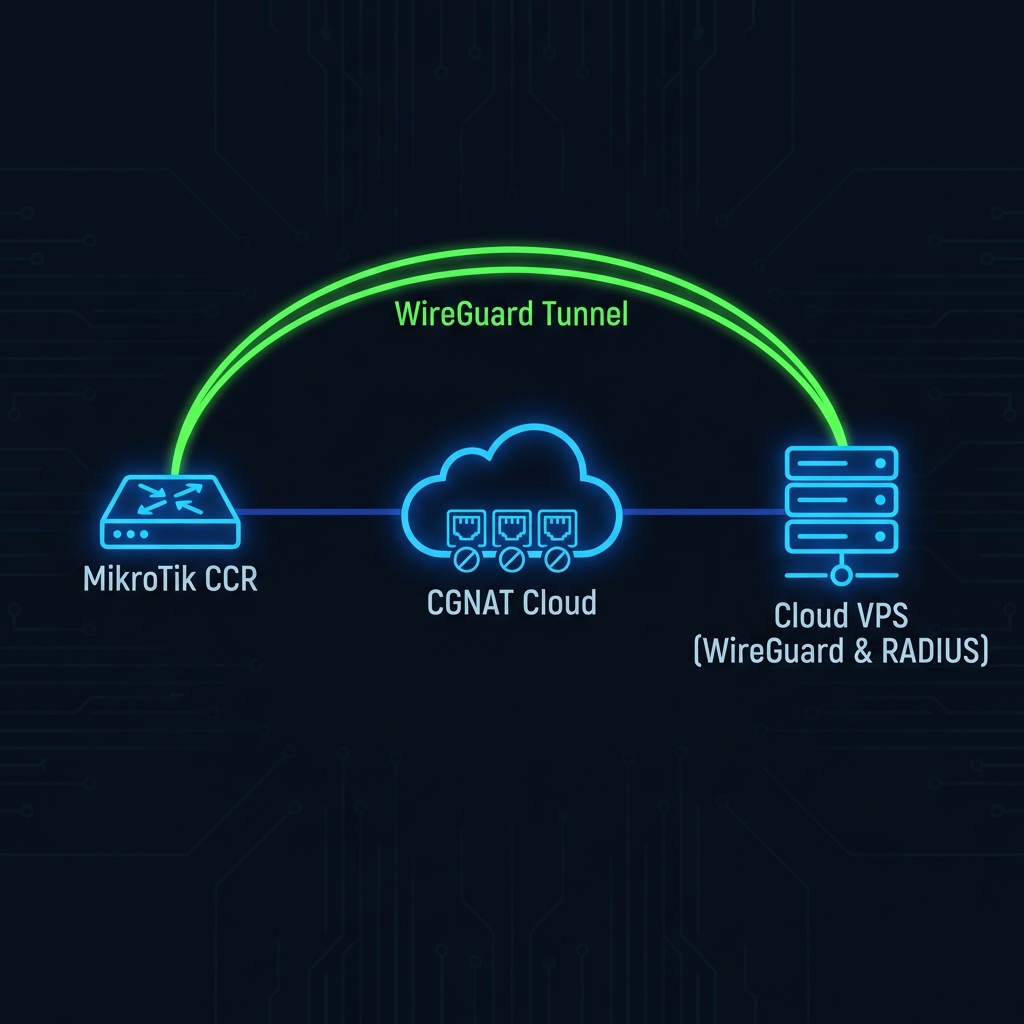
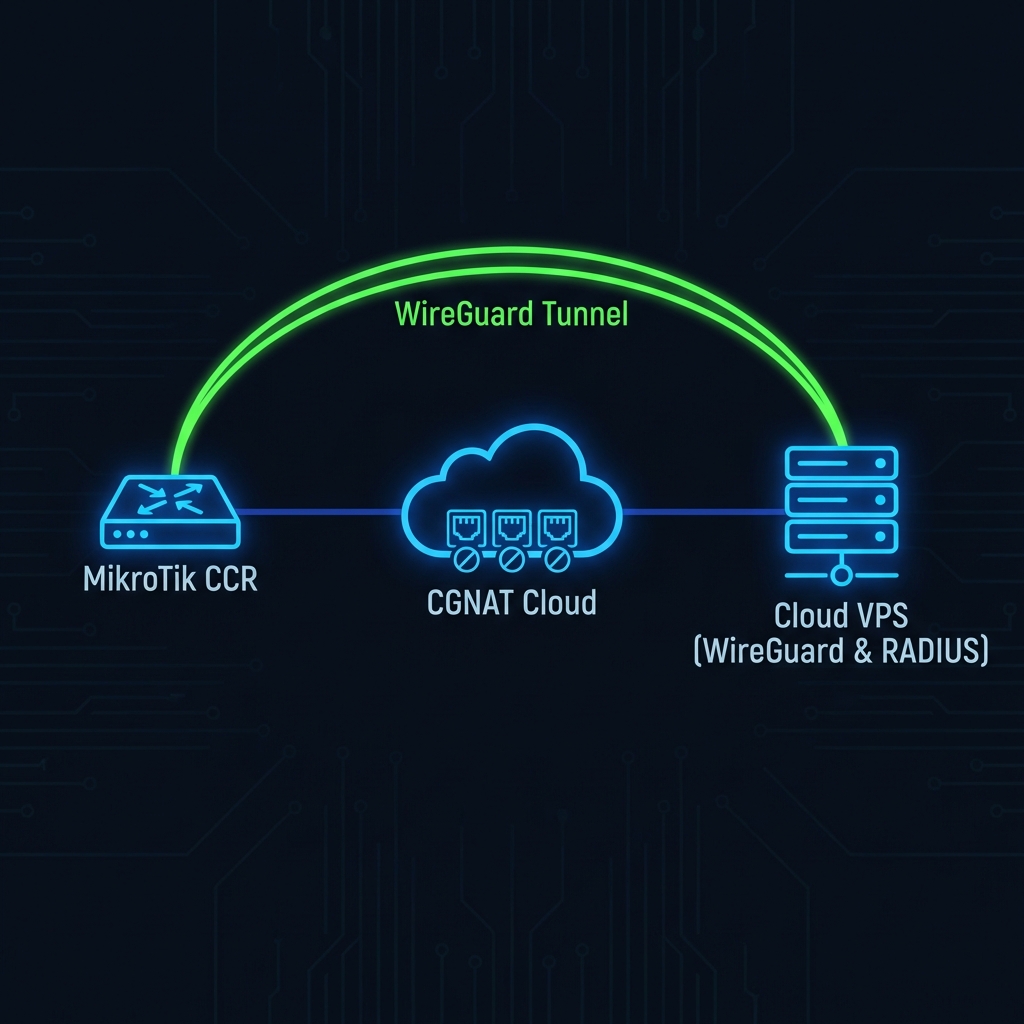
Figure 1: Offloading NAT and Authentication to Edge Routers
Optimization 1: Tuned Connection Tracking
By default, RouterOS is conservative. For 10k users, you need to manually increase the max connection tracking table size. If this table hits 100%, packets drop silently.
# Check current usage
/ip firewall connection tracking print

# Increase table size (Warning: Consumes RAM)
/ip firewall connection tracking set max-entries=1048576

# Reduce timeout for established TCP connections (Aggressive cleanup)
/ip firewall connection tracking set tcp-established-timeout=10m
Optimization 2: Stateless Firewall (Raw Table)
The `filter` table processes packets *after* connection tracking. The `raw` table processes them *before*. Use the `raw` table to drop bogus traffic (DDoS, port scanners) before it even eats up a connection tracking entry.
# Drop invalid packets in RAW table to save CPU
/ip firewall raw
add action=drop chain=prerouting connection-state=invalid comment="Drop Invalid"
add action=drop chain=prerouting src-address-list=blacklisted comment="Drop Blacklisted"
Optimization 3: Session-Timeout vs Idle-Timeout
For high-density public WiFi (e.g., Malls, Stadiums), "Guest" users often connect, use WiFi for 5 minutes, and leave. If you set `idle-timeout=none`, their session stays active in your router and RADIUS server forever.
Recommendation:
- Idle Timeout: Set to `00:15:00` (15 minutes). If no traffic, kick them off.
- Keepalive Timeout: Set to `00:05:00` (5 minutes). This clears "ghost" sessions where the user simply walked out of range without logging off.
The CCR2004 vs CCR2116 Debate
We see many ISPs buying the CCR2004-1G-12S+2XS because it's cheap. However, it has a weaker CPU per-core performance compared to the CCR2116. For Hotspot/PPPoE, single-core speed matters because packet ordering in a single flow often hits one core.
If you are pushing past 2 Gbps of throughput with NAT, upgrade to the CCR2116-12G-4S+.