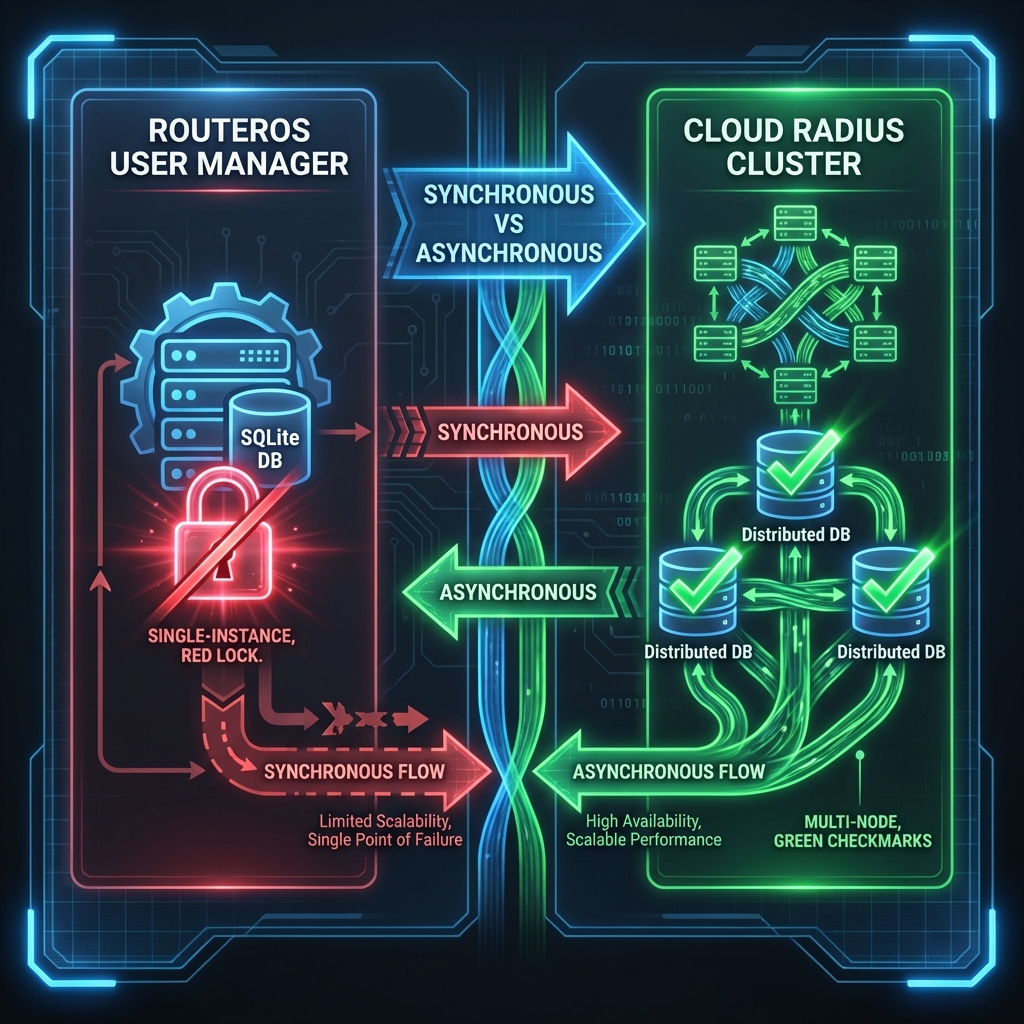
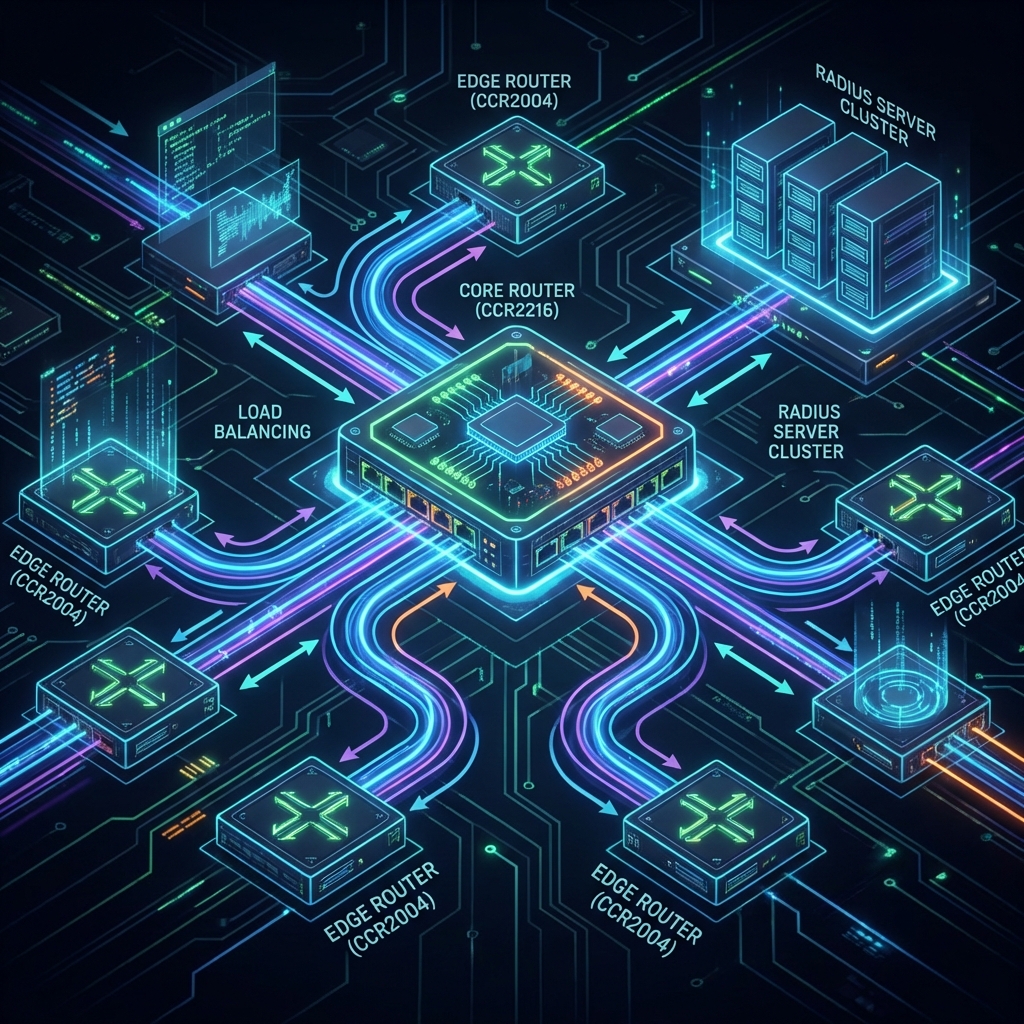
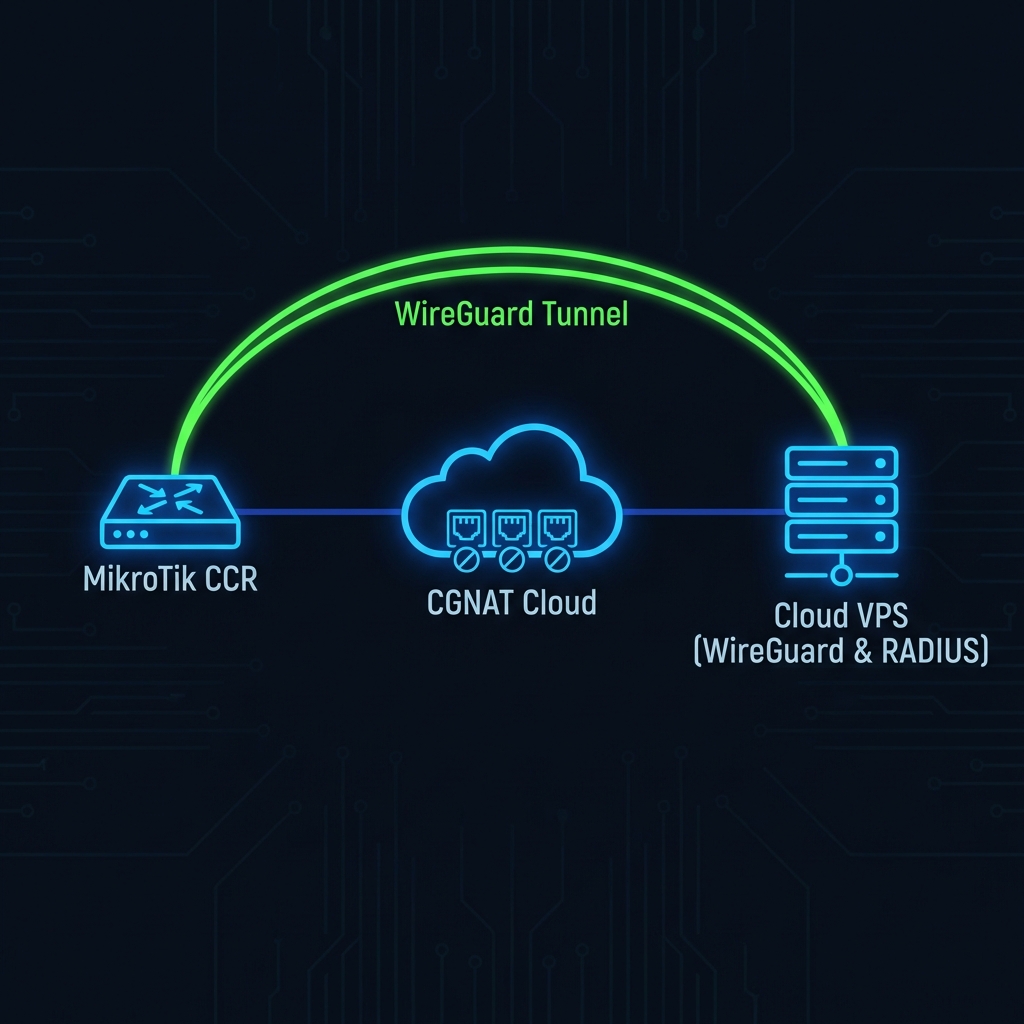
The Layer 2 Isolation Principle
A perfectly designed hotspot adheres to one rule: "Clients should talk to the Gateway, not to each other.". If Client A can ping Client B, your architecture is flawed. This exposes guests to malware, ARP spoofing, and unnecessary broadcast storms.
We see two common architectural mistakes in outdoor/hotel WiFi deployments:
- The Flat Network: Everything (Management, Guests, Cameras) is on Bridge1.
- The "Double NAT" mess: Each AP is doing NAT.
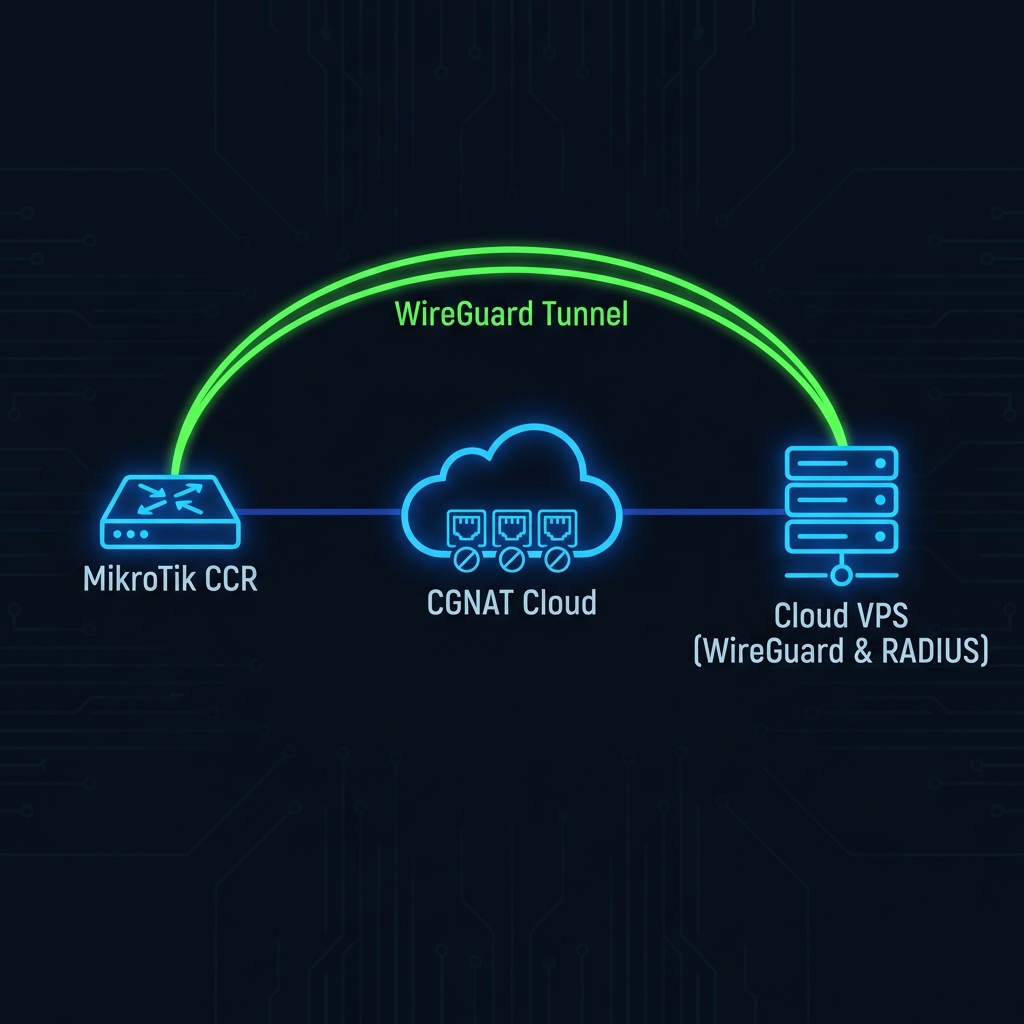
Figure 1: VLAN Separation and Horizon Bridging
Solution 1: Horizon Bridging (The Easy Fix)
If you are aggregating multiple ports into a Bridge on MikroTik, you can use the `horizon` setting. Ports with the same horizon value cannot forward traffic to each other.
# Isolate ports 2, 3, 4, 5 from each other, but let them talk to CPU
/interface bridge port
set [find interface=ether2] horizon=1
set [find interface=ether3] horizon=1
set [find interface=ether4] horizon=1
set [find interface=ether5] horizon=1
Now, a user on Ether2 cannot see a user on Ether3, even though they are in the same subnet.
Solution 2: VLANs (The Correct Fix)
For scalable networks (Hotels, Campuses), use VLANs. Never run untagged traffic.
- VLAN 10 (Management): For APs, Switches, CCTV. Hidden SSID.
- VLAN 20 (Guest WiFi): For Hotspot. Open SSID.
- VLAN 30 (Staff WiFi): WPA2-EAP Enterprise.
Solution 3: The Walled Garden
Apple devices (iPhones/Macs) use a feature called CNA (Captive Network Assistant) to pop up the login page properly. To ensure this works seamlessly:
/ip hotspot walled-garden ip
add action=accept dst-address=17.0.0.0/8 comment="Apple CNA"
add action=accept dst-host=*captive.apple.com
Conclusion
Stop building flat networks. Use VLANs to separate management traffic from guest traffic. Use Split Horizon to isolate guests from each other. A secure network is a fast network.