WiFi hotspot management software is essential for any business looking to provide reliable, secure, and monetizable internet access. This guide covers everything you need to know about choosing and implementing the right hotspot management software for your business.
What is WiFi Hotspot Management Software?
WiFi hotspot management software is a platform that helps businesses control, monitor, and monetize their public WiFi networks. It handles user authentication, bandwidth management, billing, analytics, and compliance—all from a centralized dashboard.
Whether you run a hotel, restaurant, ISP, or any business offering WiFi to customers, hotspot management software transforms your internet connection from a cost center into a revenue generator.
Core Features of Hotspot Management Software
1. User Authentication
Modern hotspot management software supports multiple authentication methods:
- Voucher-based: Pre-paid codes for time or data-limited access
- Username/Password: Traditional login credentials
- Social Login: Facebook, Google, or other social media authentication
- SMS OTP: Phone number verification via SMS
- Email Verification: Email-based access codes
- MAC Authentication: Device-based automatic login
2. Bandwidth Management
Control how much bandwidth each user gets to ensure fair usage:
- ✅ Per-user speed limits (upload/download)
- ✅ Data usage quotas
- ✅ Time-based access limits
- ✅ Fair Usage Policy (FUP) enforcement
- ✅ Priority bandwidth for premium users
3. Billing & Monetization
Turn your WiFi into a revenue stream:
- 💰 Prepaid voucher sales
- 💰 Time-based billing (hourly, daily, weekly)
- 💰 Data-based billing (per GB)
- 💰 Subscription plans
- 💰 Advertising revenue through captive portals
4. Captive Portal Customization
The captive portal is your customer's first impression. Good hotspot management software offers:
- 🎨 Drag-and-drop portal builder
- 🎨 Custom branding (logo, colors, images)
- 🎨 Multi-language support
- 🎨 Terms & conditions acceptance
- 🎨 Advertisement integration
- 🎨 Social media integration
5. Analytics & Reporting
Data-driven insights help you optimize your WiFi service:
- 📊 Real-time active user monitoring
- 📊 Bandwidth usage trends
- 📊 Revenue reports
- 📊 User demographics
- 📊 Peak usage times
- 📊 Device type analytics
Types of Hotspot Management Software
Cloud-Based Solutions
Cloud-based hotspot management (like YesSpot) runs on remote servers and is accessed via web browser. Benefits include:
- ✅ No server hardware required
- ✅ Automatic updates and maintenance
- ✅ Access from anywhere
- ✅ Scalable pricing
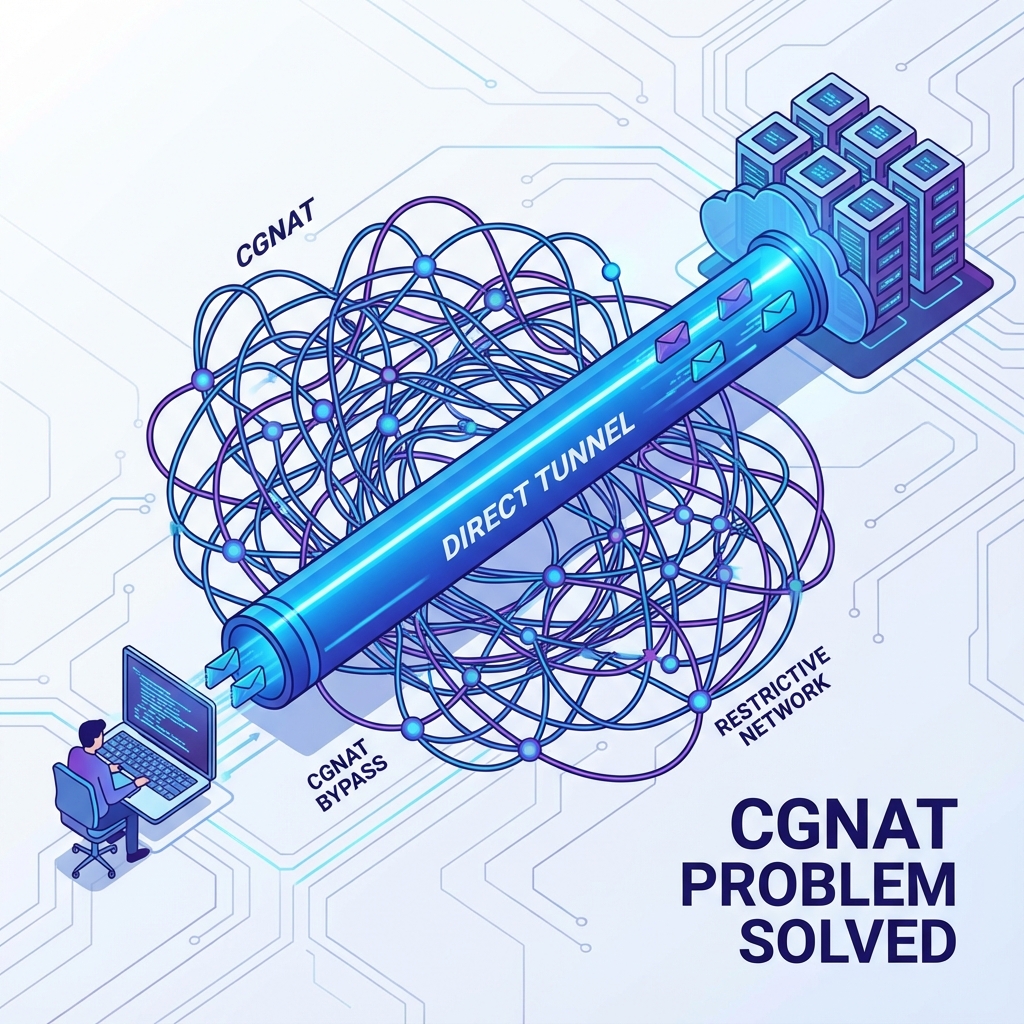
- ✅ No public IP needed
On-Premise Solutions
On-premise solutions run on your own servers. While they offer more control, they require:
- ❌ Significant upfront investment
- ❌ IT expertise for maintenance
- ❌ Manual updates and backups
- ❌ Public IP addresses
Best Hotspot Management Software Features for Different Industries
For Hotels
- Guest-friendly captive portal
- Room-based access codes
- PMS integration
- Tiered access (free basic, paid premium)
- Multi-device support per room
For ISPs
- Bulk voucher generation
- RADIUS integration
- FUP enforcement
- Multi-tenant support
- Reseller management
For Restaurants & Cafes
- Social login for marketing
- Time-limited free access
- Loyalty program integration
- Customer data collection
How to Choose the Right Hotspot Management Software
1. Consider Your Scale
How many users and locations do you need to support? Cloud solutions like YesSpot scale from 10 users to 100,000+ without infrastructure changes.
2. Check Router Compatibility
Ensure the software works with your existing hardware. YesSpot, for example, works with any MikroTik router, which is the most popular choice for hotspots globally.
3. Evaluate Pricing Model
Compare pricing models:
- Per-user: Best for variable usage (YesSpot: ₹10/user India, $0.12/user global)
- Per-location: Good for fixed locations
- Flat rate: Unlimited usage for fixed fee
4. Test Before Committing
Always use a free trial to test the software with your actual setup. YesSpot offers a 14-day free trial with full features.
5. Check Support Quality
Look for 24/7 support, especially if you serve customers around the clock. Documentation, tutorials, and community forums are also valuable.
Getting Started with YesSpot
YesSpot is a leading WiFi hotspot management software trusted by businesses in 50+ countries. Here's how to get started:
- Sign up for a free 14-day trial at yesspot.in
- Add your MikroTik router to the dashboard
- Configure your hotspot with plans, vouchers, and captive portal
- Go live and start serving customers
Conclusion
WiFi hotspot management software is no longer optional—it's essential for any business providing public WiFi. The right software helps you deliver better service, increase revenue, and gain valuable customer insights.
Ready to transform your WiFi management? Start your free trial with YesSpot today and experience enterprise-grade hotspot management without the complexity.