A reliable WiFi hotspot solution for hotels is no longer optional—it's essential for guest satisfaction and revenue generation. This comprehensive guide covers everything hoteliers need to know about implementing and managing hotel WiFi hotspots.
Why Hotels Need Professional Hotspot Solutions
In today's connected world, WiFi ranks among the top three factors guests consider when choosing a hotel. Studies show that:
- 📊 94% of hotel guests expect free WiFi
- 📊 38% would choose a different hotel without good WiFi
- 📊 65% connect multiple devices during their stay
- 📊 Hotels with premium WiFi see 15-20% higher satisfaction scores
Key Features of Hotel Hotspot Solutions
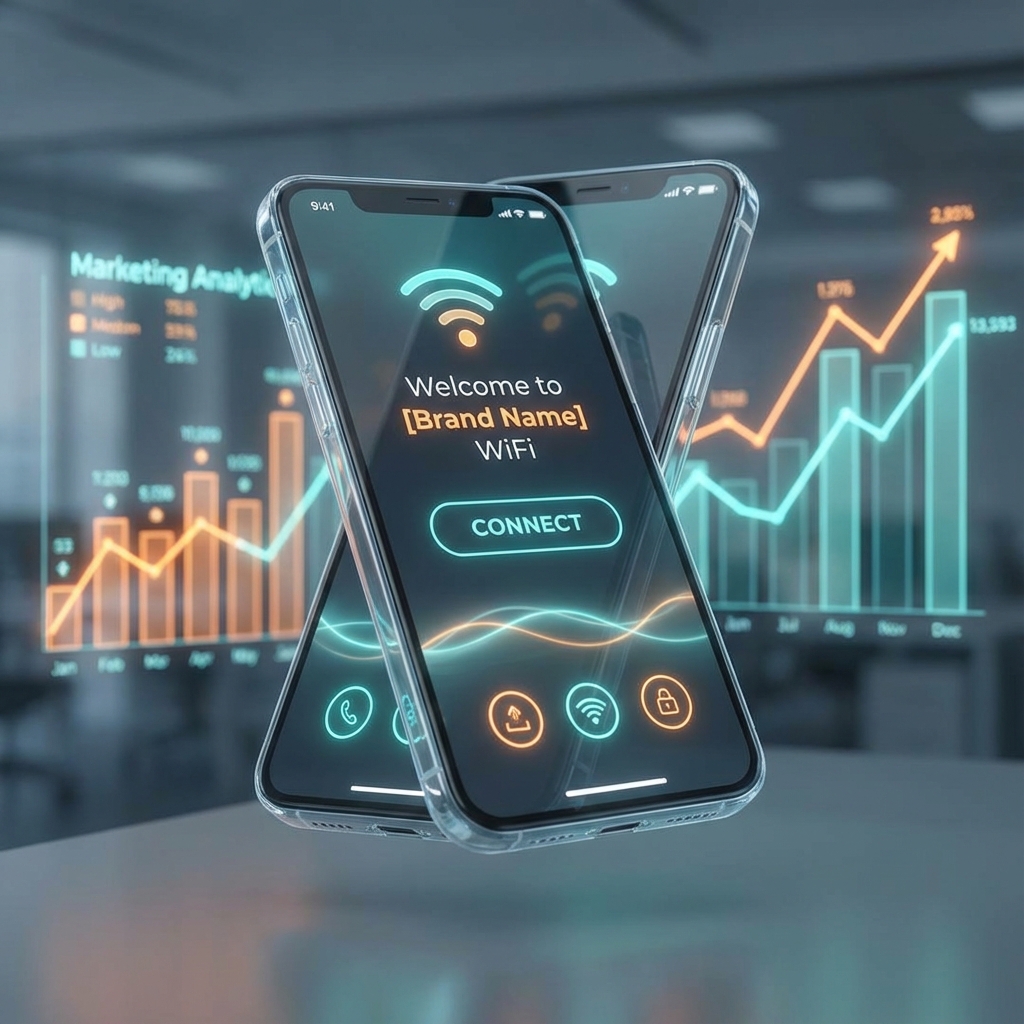
1. Branded Captive Portal
First impressions matter. A professional captive portal with your hotel's branding creates a cohesive guest experience:
- 🎨 Custom logo and colors
- 🎨 Welcome message with hotel information
- 🎨 Promotions for spa, restaurant, or amenities
- 🎨 Social media links
- 🎨 Terms of service acceptance
2. Multiple Authentication Methods
Different guests prefer different login methods:
- Room-based codes: Unique code per room, easy for front desk
- Last name + room number: PMS integration for seamless login
- Social login: Facebook/Google for marketing data
- Email capture: Build your marketing database
- Voucher codes: For premium or time-limited access
3. Tiered Access Plans
Offer different service levels to meet various guest needs:
- Basic (Free): 2-5 Mbps for email and browsing
- Premium (Paid): 25-50 Mbps for streaming and video calls
- Business (Premium): 100+ Mbps for corporate guests
4. Bandwidth Management
Ensure fair usage across all guests:
- ✅ Per-user bandwidth limits
- ✅ Per-room device limits
- ✅ Fair usage policies
- ✅ Priority for paid plans
5. Guest Analytics
Understand your guests better with WiFi analytics:
- 📈 Peak usage times
- 📈 Popular websites and apps
- 📈 Device types (mobile vs laptop)
- 📈 Average session duration
- 📈 Returning guest identification
Revenue Generation with Hotel WiFi
Premium WiFi Upgrades
Offer basic free WiFi and charge for premium speeds. Many business travelers gladly pay $5-15/day for reliable, fast internet.
Sponsored Access
Partner with local businesses to sponsor guest WiFi in exchange for captive portal advertising.
Marketing Data Collection
Collect email addresses and preferences through social login for future marketing campaigns.
In-Room Promotions
Use the captive portal to promote room service, spa services, and local tours.
Technical Requirements for Hotel WiFi
Internet Bandwidth
Calculate required bandwidth based on:
- Number of rooms × expected concurrent users
- Average bandwidth per user (5-10 Mbps recommended)
- Peak usage factor (usually 1.5-2x)
Example: 100 rooms × 2 devices × 5 Mbps × 1.5 peak = 1.5 Gbps total bandwidth
Access Points
Proper AP placement ensures coverage:
- 1 AP per 4-6 rooms (corridor mounting)
- 1 AP per 2-3 rooms (in-room mounting)
- Dedicated APs for lobby, restaurant, pool areas
Network Infrastructure
- Gigabit switches throughout
- Separate VLAN for guest traffic
- Firewall to protect hotel systems
- Redundant internet connections
YesSpot: Perfect for Hotels
YesSpot provides all the features hotels need:
- ✅ Beautiful captive portals: Drag-and-drop customization
- ✅ Room-based access: Easy voucher generation per room
- ✅ Tiered plans: Free basic + paid premium options
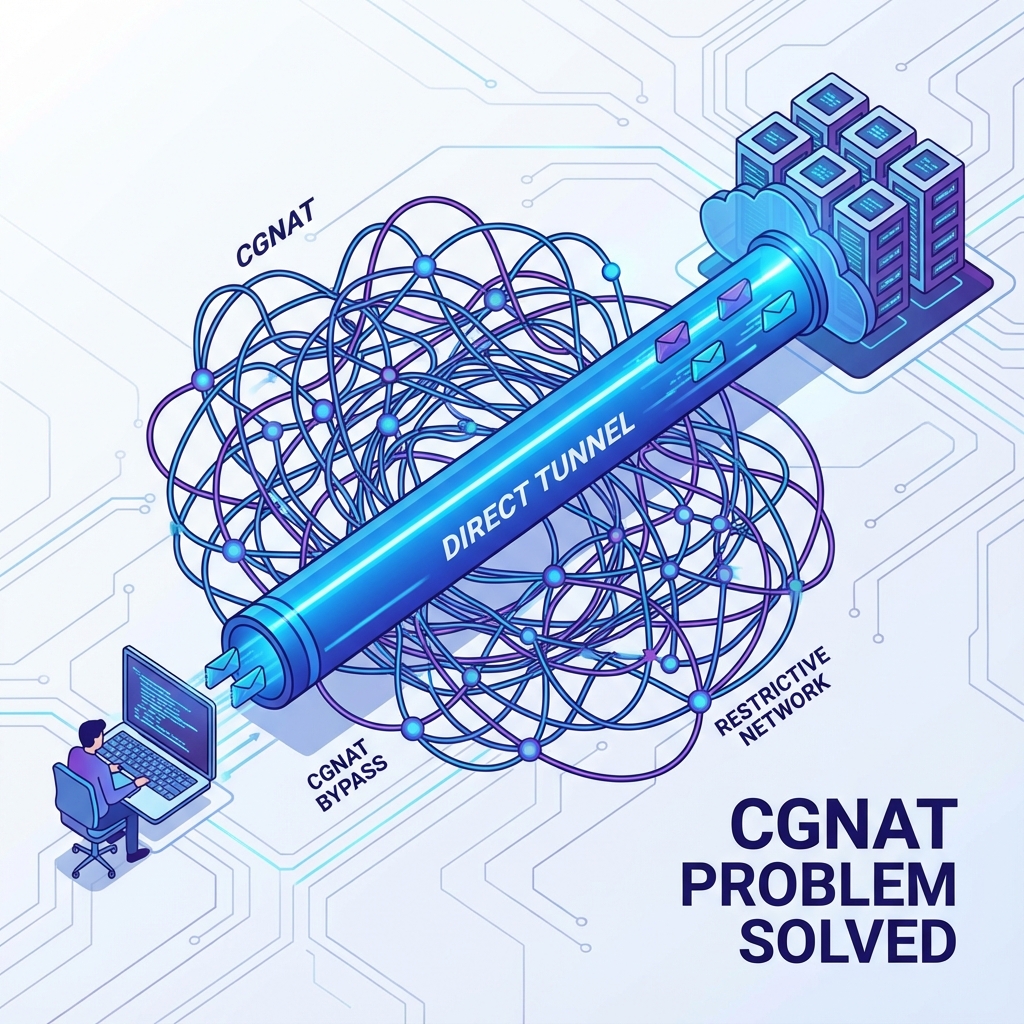
- ✅ No public IP needed: Works behind any internet connection
- ✅ Real-time dashboard: Monitor all guests and usage
- ✅ Multi-property support: Manage chain hotels from one account
Implementation Best Practices
1. Survey and Plan
Conduct a WiFi site survey to identify dead zones and optimal AP placement.
2. Pilot Testing
Test in a few rooms first before full deployment. Gather guest feedback.
3. Staff Training
Train front desk staff on:
- Generating and distributing access codes
- Troubleshooting common guest issues
- Explaining different service tiers
4. Guest Communication
Provide clear instructions:
- In-room WiFi cards with SSID and instructions
- QR codes for easy portal access
- Support contact for issues
Common Hotel WiFi Challenges
Interference
Problem: Neighboring hotels and devices cause interference.
Solution: Use 5GHz band, proper channel planning, and professional APs.
Thick Walls
Problem: Concrete walls block WiFi signals.
Solution: In-room APs or powerline extenders.
High Density
Problem: Conference rooms and events overwhelm the network.
Solution: Dedicated high-density APs and bandwidth allocation.
Conclusion
A professional hotspot solution transforms hotel WiFi from a cost center into a competitive advantage and revenue generator. With the right platform, you can deliver exceptional guest experiences while gaining valuable insights and monetization opportunities.
Ready to upgrade your hotel WiFi? Start your free 14-day trial with YesSpot and see why hotels in 50+ countries trust us for their hotspot management.