Providing excellent WiFi is no longer optional for hotels—it's essential. In 2024, guests expect fast, reliable, and secure internet access. Poor WiFi is one of the top reasons for negative hotel reviews. This comprehensive guide covers everything hoteliers need to know about WiFi management, from setup to monetization.
Why Hotel WiFi Matters
WiFi has become a critical factor in guest satisfaction:
- Guest Expectations: 73% of guests consider WiFi quality when choosing a hotel
- Review Impact: Poor WiFi is mentioned in 30% of negative hotel reviews
- Revenue Opportunity: Hotels can generate $5-20 per room per night from premium WiFi
- Competitive Advantage: Excellent WiFi differentiates your hotel from competitors
Hotel WiFi Best Practices
1. Provide Adequate Bandwidth
Ensure sufficient bandwidth for all guests:
- Minimum: 2-3 Mbps per guest room
- Recommended: 5-10 Mbps per room for premium experience
- Public Areas: Additional bandwidth for lobbies, restaurants, pools
- Conference Rooms: Dedicated high-speed connections for business events
Calculate total bandwidth needed: Number of rooms × Mbps per room + public area bandwidth. For a 100-room hotel, plan for at least 500-1000 Mbps total capacity.
2. Implement Tiered Service Model
Offer multiple service tiers to maximize revenue and satisfaction:
- Free Basic Tier: 2-3 Mbps, sufficient for email and social media
- Premium Tier: 10-20 Mbps, perfect for streaming and video calls - $5-15/day
- Business Tier: 50+ Mbps, dedicated bandwidth, multiple devices - $20-50/day
This model ensures all guests have access while generating revenue from those who need more speed. YesSpot's voucher system makes it easy to implement tiered access.
3. Ensure Coverage Everywhere
WiFi should be available in all areas:
- Guest rooms (strong signal in every room)
- Lobbies and reception areas
- Restaurants and bars
- Conference rooms and business centers
- Pool areas and outdoor spaces
- Parking lots and garages
Use multiple access points (APs) strategically placed to eliminate dead zones. Conduct regular signal strength tests to ensure coverage.
4. Brand Your Captive Portal
Create a branded login page that matches your hotel's identity:
- Hotel logo and colors
- Welcome message from management
- Information about WiFi tiers and pricing
- Links to hotel services and amenities
- Social media integration
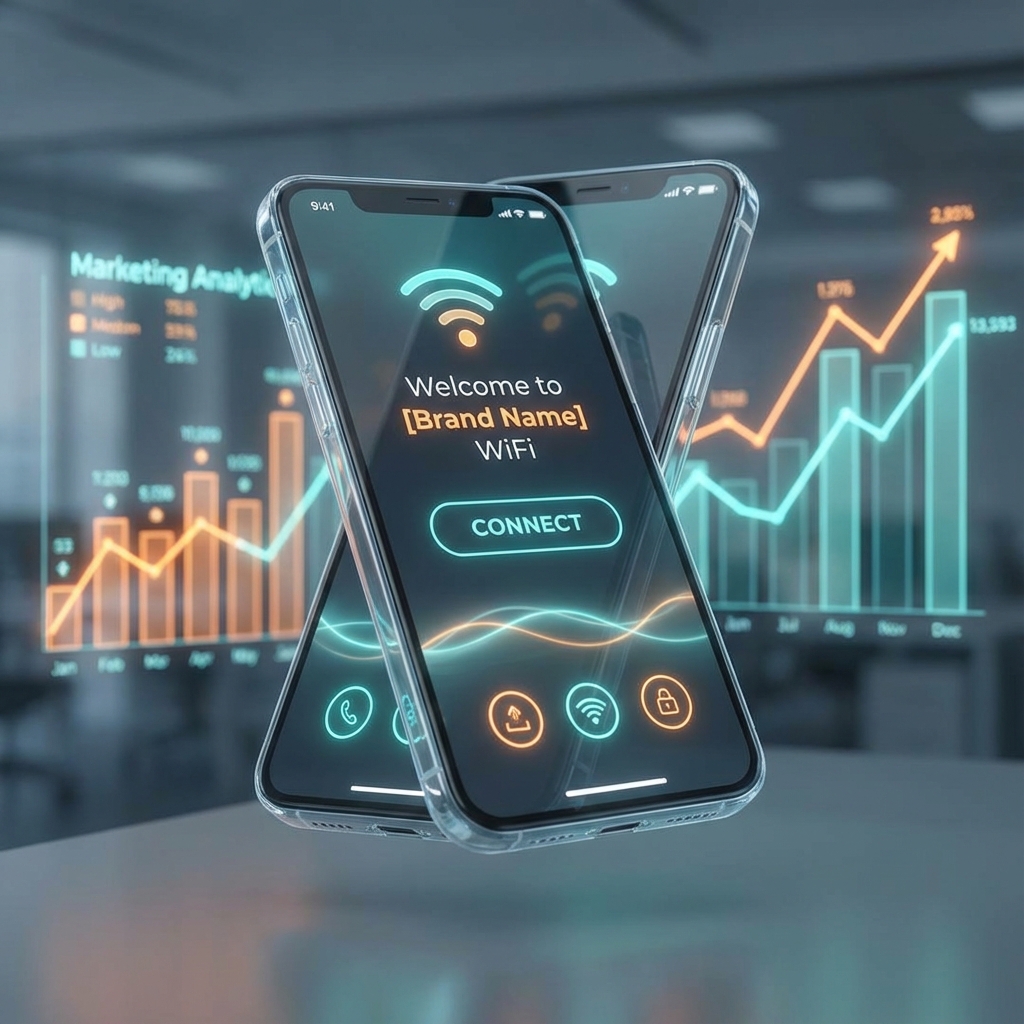
YesSpot's customizable captive portal allows you to create beautiful, branded login pages that enhance your hotel's image.
5. Offer Multiple Authentication Methods
Provide various ways for guests to connect:
- Room Number + Last Name: Simple and secure
- Social Login: Facebook, Google for quick access
- Voucher Codes: For premium access purchases
- SMS OTP: Phone verification for security
- QR Codes: Scan and connect instantly
Multiple options ensure guests can connect easily regardless of their preference or technical skill level.
6. Implement Security Best Practices
Protect your network and guest data:
- Network Segmentation: Separate guest WiFi from internal systems
- Encryption: Use WPA3 or WPA2 encryption
- Firewall Rules: Block malicious traffic and restrict access to internal resources
- Bandwidth Limits: Prevent any single user from consuming all bandwidth
- Regular Updates: Keep router firmware and security patches current
7. Monitor and Optimize Performance
Use analytics to track and improve WiFi performance:
- Monitor connection speeds and quality
- Track bandwidth usage by location and time
- Identify peak usage times
- Detect and resolve connectivity issues quickly
- Analyze guest behavior and preferences
YesSpot's analytics dashboard provides real-time insights into your WiFi network performance.
8. Provide Clear Instructions
Make it easy for guests to connect:
- Display WiFi network name (SSID) and password in rooms
- Provide step-by-step connection instructions
- Offer 24/7 support for connection issues
- Create video tutorials for common devices
- Train front desk staff to assist guests
9. Support Multiple Devices
Guests typically bring 2-3 devices:
- Smartphones
- Laptops
- Tablets
- Smart TVs
- Gaming devices
Ensure your WiFi system supports multiple simultaneous connections per guest. YesSpot allows unlimited devices per user account.
10. Plan for Peak Times
WiFi usage peaks during:
- Evening hours (6 PM - 11 PM)
- Weekend mornings
- Conference and event periods
- Holiday seasons
Plan bandwidth capacity for peak usage, not average. Consider 2-3x average usage for peak capacity planning.
Monetization Strategies for Hotels
1. Complimentary Basic + Premium Upsell
Offer free basic WiFi to all guests, but charge for premium high-speed access. This is the most popular model and generates significant revenue while maintaining guest satisfaction.
2. Room-Based Vouchers
Generate unique WiFi vouchers for each room that expire when guests check out. This ensures security and allows for premium upgrades.
3. Conference Package Bundles
Include WiFi in conference room rental packages. Charge premium rates for business events that require high-speed, reliable internet.
4. Loyalty Program Integration
Offer free premium WiFi to loyalty program members. This increases program enrollment and customer retention.
Common Hotel WiFi Mistakes to Avoid
1. Insufficient Bandwidth
Don't skimp on bandwidth. Slow WiFi frustrates guests and leads to negative reviews.
2. Poor Coverage
Dead zones in rooms or common areas create frustration. Ensure complete coverage throughout the property.
3. Complex Login Process
Guests want to connect quickly. Avoid complicated authentication methods that frustrate users.
4. No Support
Provide 24/7 support for WiFi issues. Guests need help, especially during off-hours.
5. Ignoring Analytics
Use data to optimize performance. Monitor usage patterns and adjust bandwidth allocation accordingly.
Implementation Checklist
Use this checklist when setting up or upgrading hotel WiFi:
- ✅ Calculate bandwidth requirements (2-3 Mbps per room minimum)
- ✅ Install adequate access points for full coverage
- ✅ Set up network segmentation (guest vs. internal)
- ✅ Configure branded captive portal
- ✅ Implement tiered service model
- ✅ Set up multiple authentication methods
- ✅ Configure security (firewall, encryption)
- ✅ Set bandwidth limits per user
- ✅ Test coverage in all areas
- ✅ Create connection instructions for guests
- ✅ Train staff on WiFi support
- ✅ Set up monitoring and analytics
- ✅ Plan for peak usage periods
- MikroTik Integration - Works with industry-standard routers
- Voucher System - Easy room-based or premium access management
- Branded Portals - Customizable login pages matching your brand
- Real-Time Analytics - Monitor performance and optimize usage
- Multiple Authentication - Social login, SMS OTP, vouchers, QR codes
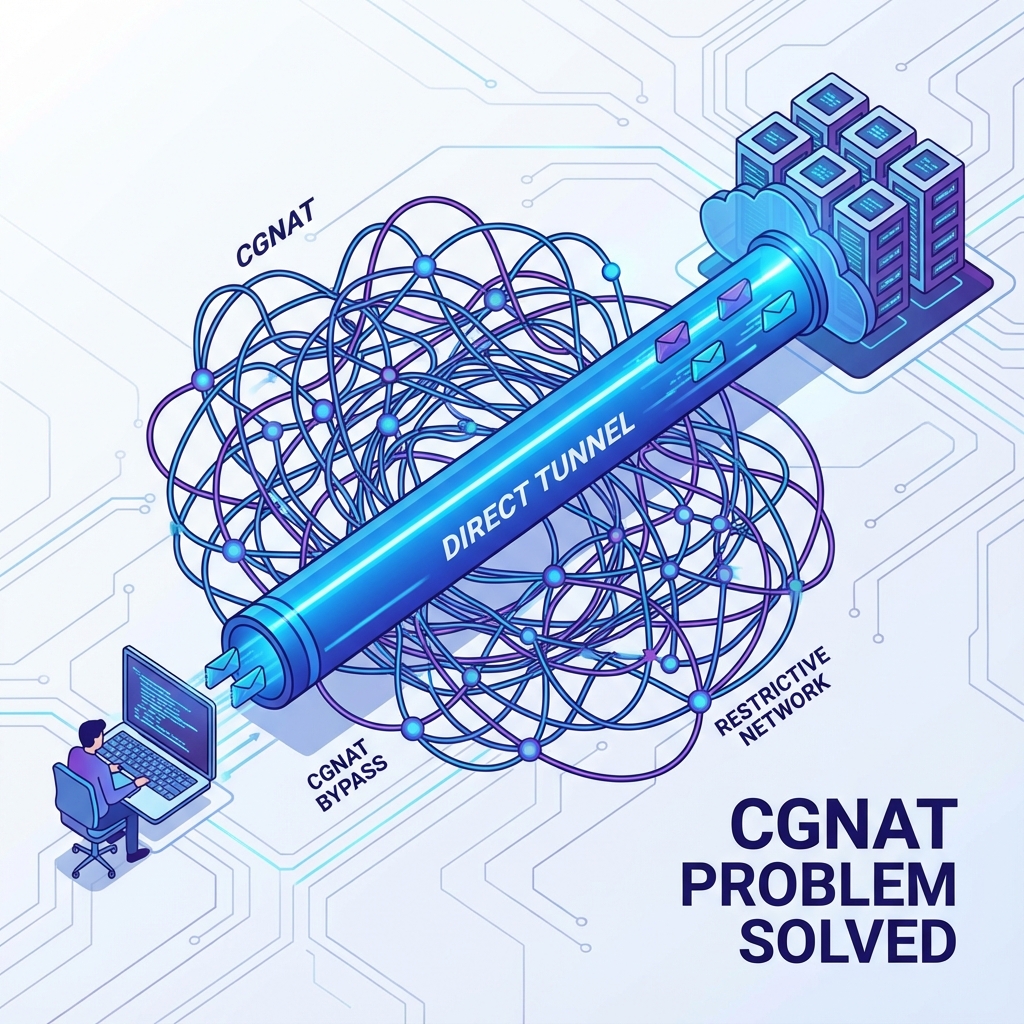
- No Public IP Required - Deploy anywhere, even behind NAT
- 24/7 Support - Expert help when you need it
Getting Started with YesSpot
YesSpot provides everything hotels need for excellent WiFi management:
Whether you're running a small boutique hotel or a large chain, YesSpot scales to meet your needs. Trusted by hotels in Dubai, Pakistan, India, and worldwide.
Conclusion
Excellent WiFi is essential for hotel success in 2024. By following these best practices, you can provide outstanding guest experience while generating additional revenue. The key is choosing the right platform and implementing a strategy that balances guest satisfaction with profitability.
YesSpot makes it easy to implement professional WiFi management for hotels. Start your free 14-day trial today and see how YesSpot can transform your hotel's WiFi experience!